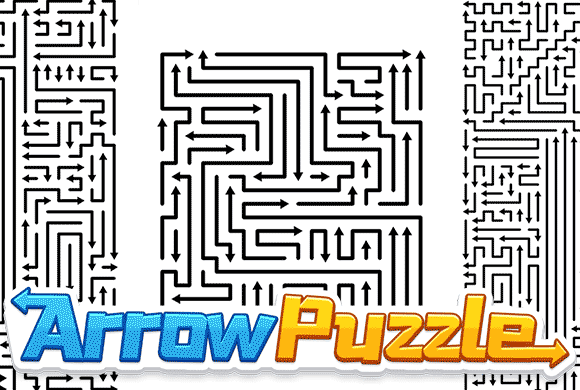
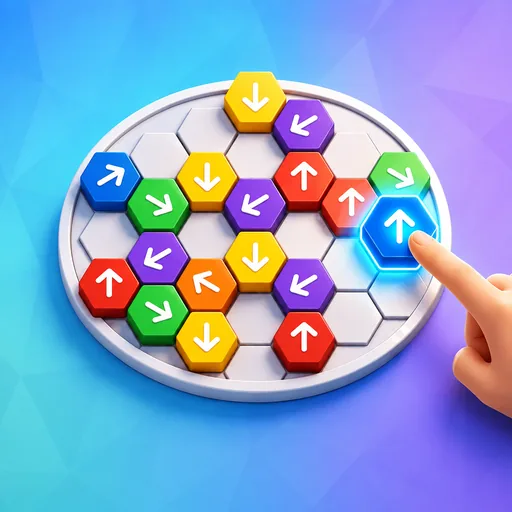
Every arrowhead points somewhere — check whether another line blocks it, then clear the board. This calm logic puzzle is part of the Arrow Game collection.
Arrow Puzzle is a direction-based clearing puzzle built around one question: can this arrow leave the board? Read the arrowhead and check the direction it points. If another coloured line blocks that arrow, choose a different one first.
Start with an arrow that is not blocked, then rescan after it leaves. When the board gets busy, slow down and zoom in so you can check one arrow at a time.
Unblock every arrow
In Arrow Puzzle, progress comes from order and observation. Choose an arrow that is not blocked, then scan the remaining board for another arrow that can leave. Repeat until every arrow is gone.
01Read the head
02Check what is ahead
03Move it out
Arrow logic
Check an arrow before you tap
Read one arrowhead. Notice the direction the whole line will move.
Check what is ahead. Look from the arrowhead toward the board edge.
Check whether it is blocked. Do not tap an arrow if another coloured line blocks its path.
Clear and rescan. Tap an arrow that is not blocked, then scan the remaining board for the next one that can leave.
Read the route · 01
How to Read an Arrow Path
Each coloured line is one moving arrow. Start at its arrowhead, note the direction it points, then check whether another line blocks it before you tap. The bends are part of the arrow’s shape, not instructions to switch to a nearby arrow.
Read the arrowhead first
The arrowhead tells you where that line will travel. Do not choose an arrow just because it looks short, sits near the edge, or has open white space beside it. Check what is directly in front of the arrowhead instead.
Trace the whole moving shape
Follow the arrow’s direction from the head to the edge of the board. A long line with several corners still moves as one piece, so make sure no other coloured line blocks it from moving out.
Confirm an exit before tapping
An arrow is ready when no other coloured line blocks it from moving off the board. Empty space elsewhere does not make the move safe.
READ THE HEAD
CHECK AHEAD
CONFIRM THE EXIT
Read the route · 02
Check an Arrow Step by Step
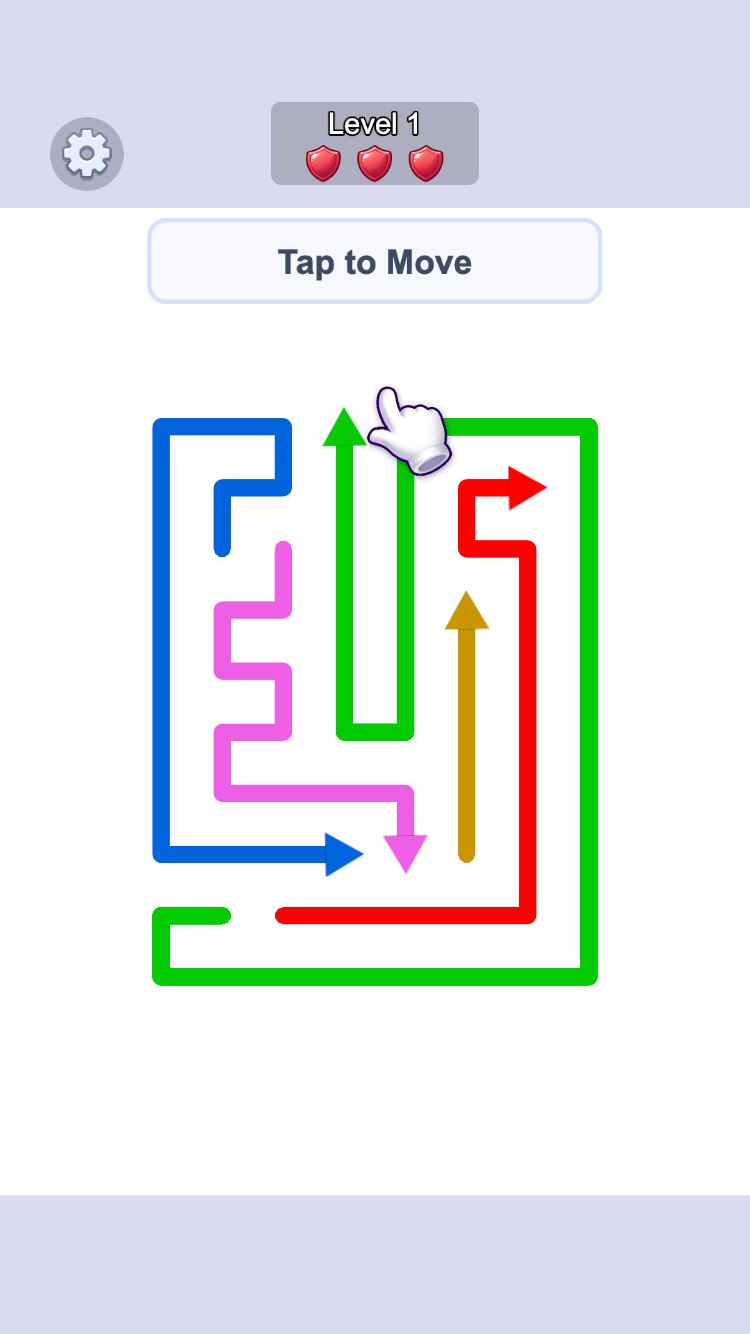
A safe move is a simple check: identify one arrow, look in the direction it points, then verify that no other line blocks it from leaving the board. The Level 1 example below shows the same move in three stages.
1. Identify one candidate
Use the arrowhead to find a candidate that points toward a board edge. The green arrow in Level 1 points upward, away from the other lines.
2. Check what blocks it
Look upward from the green arrowhead. No other coloured line blocks the green arrow, so it can move beyond the top of the board.
3. Tap, then rescan
After the green arrow leaves, pause and scan the remaining board again. Look across its visible regions for the next arrow that is not blocked.
CANDIDATE
CHECK AHEAD
TAP
RESCAN
Read the route · 03
Read a Crowded Arrow Board
Crowded boards are not solved by guessing faster. Zoom in when you cannot see the route cleanly, then inspect one arrow at a time from its head toward the edge.
Zoom before you commit
The game provides a zoom control because a line that appears separate from a distance may still block another arrow. Enlarging the board makes close lines easier to compare.
Keep one arrow in focus
Do not try to solve every line at once. Pick one arrowhead, check whether another line blocks it, and decide CLEAR or BLOCKED before moving on to another candidate.
ZOOM
PICK ONE
TRACE
DECIDE
Read the route · 04
Why a Route Is Clear or Blocked
The important comparison is not short versus long; it is blocked versus not blocked. A wrong tap spends a shield and sends the arrow back, so check each arrow before you tap.
Wrong: trust the empty space
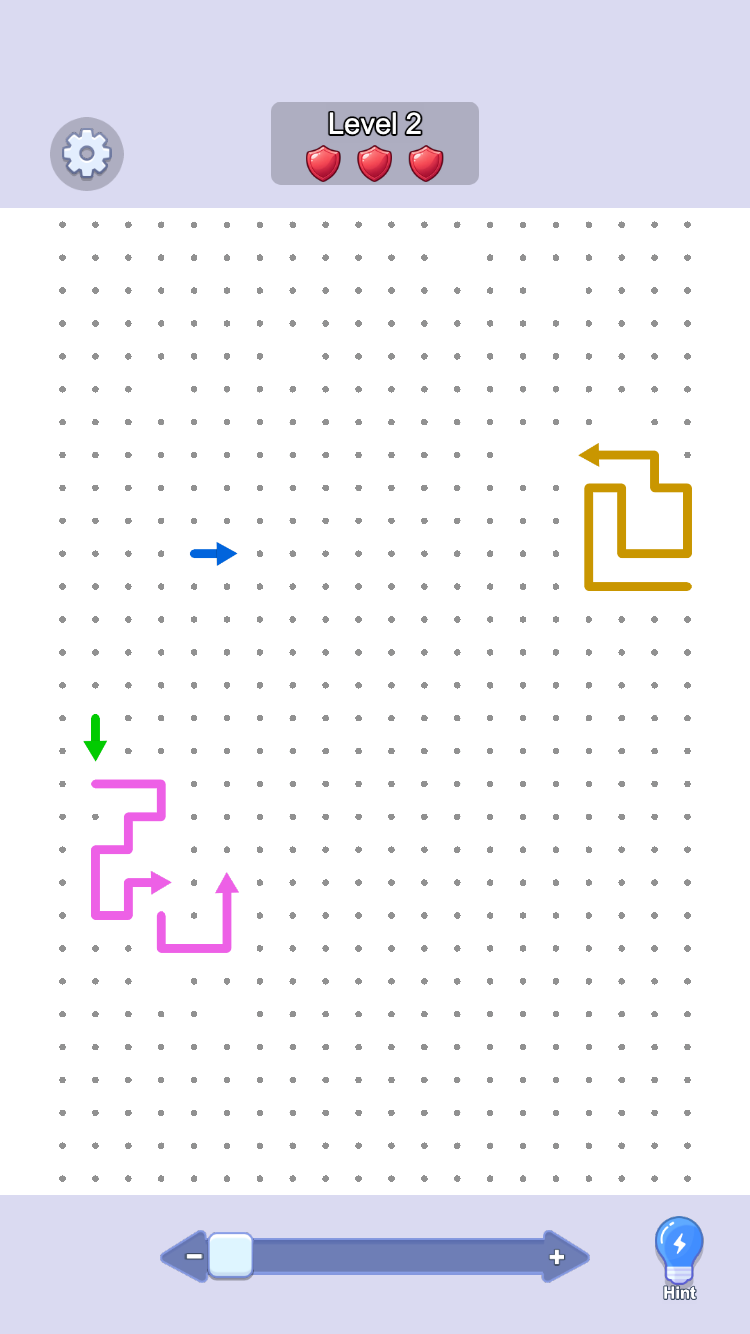
The blue arrow in the Level 2 example appears to have plenty of room in front of it. But the gold line blocks it on the right. Tapping it costs a shield and the board returns to the same arrangement.
Correct: check what blocks it
Before tapping, look in the direction the arrow points. If another coloured line blocks that arrow, leave it in place and look for one that can move off the board.
READ
TRACE
CLEAR OR BLOCKED
TAP ONLY WHEN CLEAR
Read the route · 05
A Simple 5-Step Method for Arrow Puzzle
Use this loop whenever the board starts to feel busy. It turns a large picture into one small, repeatable decision.
1. READ
Look at one arrowhead and name the direction it points.
2. FOCUS
Zoom if needed and ignore the rest of the board for a moment.
3. TRACE
Look from the arrowhead toward the board edge.
4. CHECK
Decide whether another coloured line blocks that arrow.
5. TAP & RESCAN
Tap only when the arrow is not blocked, then scan the remaining board again.
READ
FOCUS
TRACE
CHECK
TAP & RESCAN
Read the route · 06
Fall Mode: a Tetris-Like Arrow Rush
Fall Mode creates the same rising pressure as Tetris: the board descends toward a red line and every second makes the next decision tighter. The difference is the action — clear safe arrow routes instead of arranging falling blocks.
Start Fall Mode from the home screen
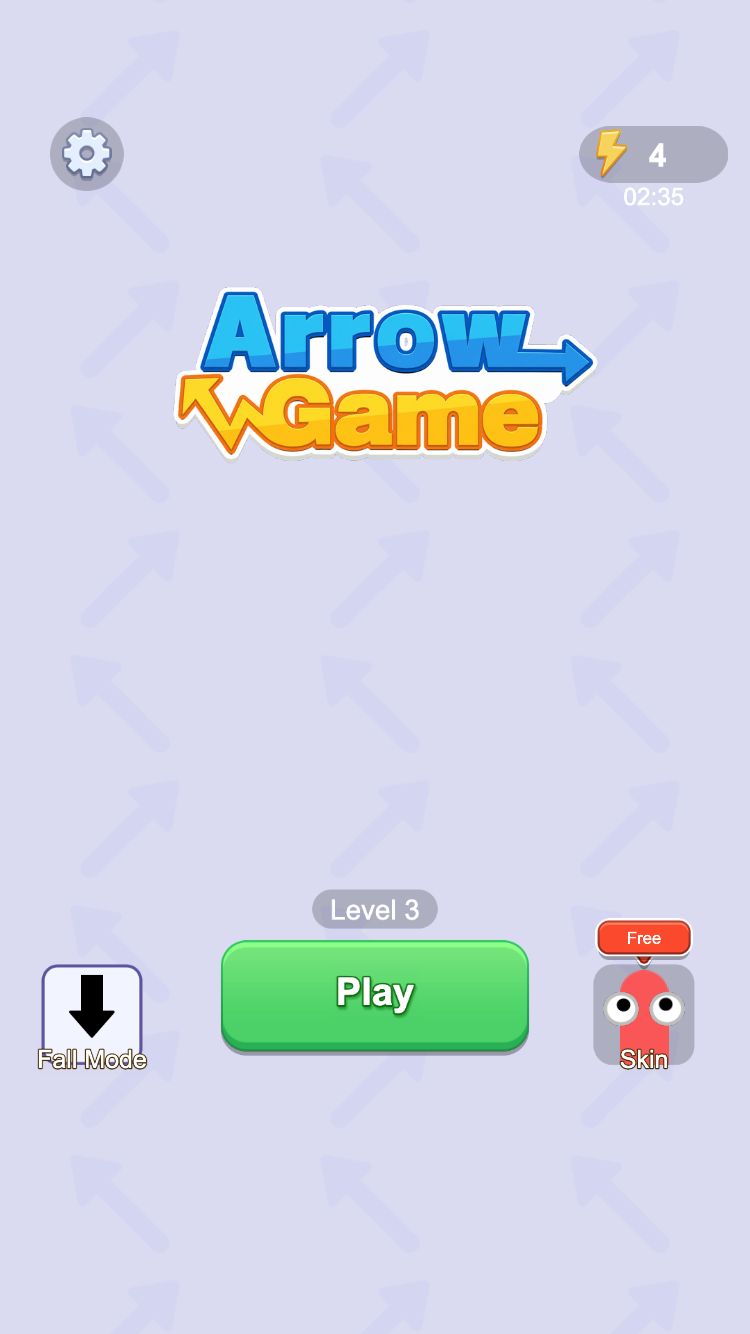
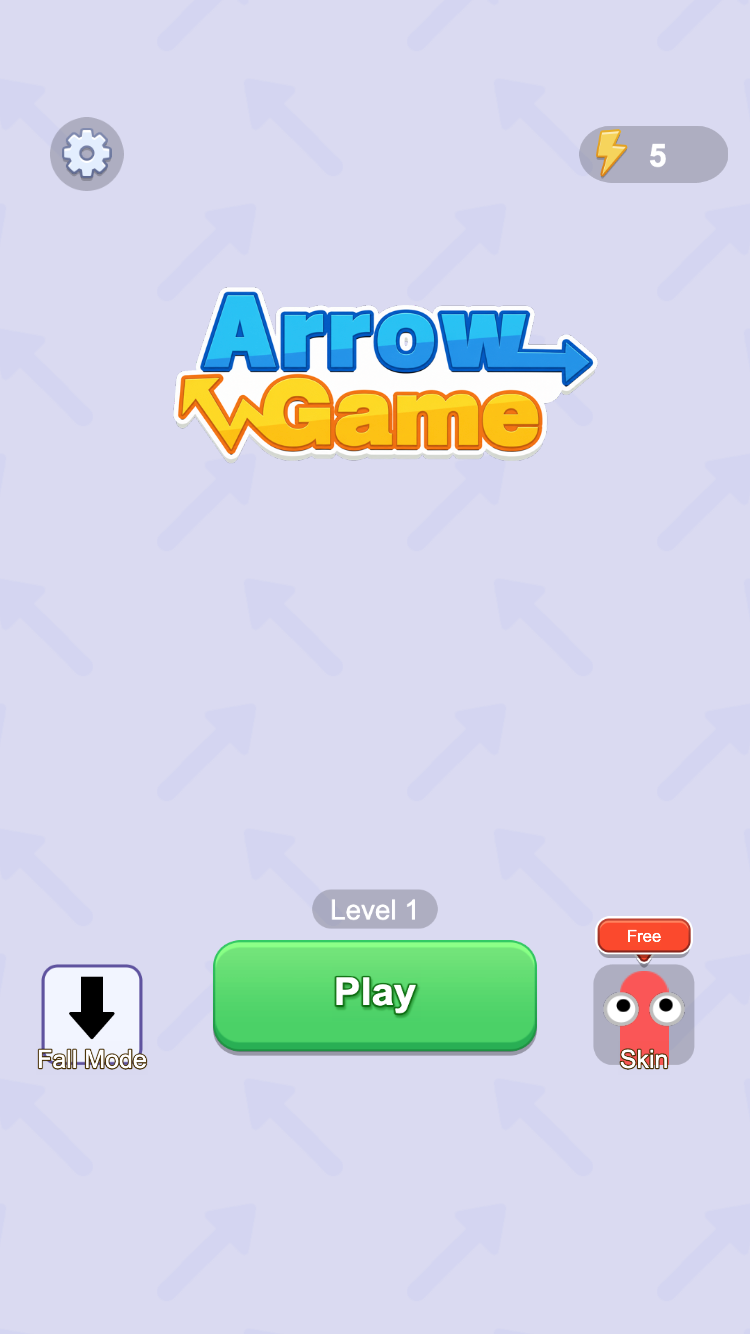
The Fall Mode button sits beside Play on the Arrow Game home screen. Its boards begin with the arrows high above the red line at the bottom of the play area.
Clear before the pressure builds
The arrows move down as the board progresses. Clear an arrow whenever another line does not block it; if the arrows reach the red line, the run ends and the game offers a revive prompt. Like Tetris, the shrinking space is the pressure — but the solution is checking arrows, not placing blocks.
Finish the remaining arrows
The Remaining readout tracks the board as it clears. Bring it down to zero before the board reaches the limit to trigger the win screen and move on.
SCAN
CLEAR
WATCH THE LINE
REACH 0%
Read the route · 07
Browse the Arrow Skin Collection
The Skin button opens a full visual collection, not just one or two recolours. It includes bug, rope, pen, matchstick, seasonal, and classic-arrow looks while preserving the same direction-reading puzzle.
Open the full collection
Choose Skin from the home screen to browse the available line styles. Each card shows its own preview and a Use button; the selected option is marked In Use. The set ranges from bugs, ropes, and pens to matchsticks, festive characters, and classic arrows.
Try any style on a real board
The colour-arrow and matchstick previews are examples from a larger library. No matter whether you choose a bug, rope, pen, or another style, its direction marker still gives the route; only the visual treatment changes.
OPEN SKIN
CHOOSE A STYLE
USE
READ THE SAME DIRECTION
Try it yourself · 08
Arrow Puzzle Route Examples
Which arrow can leave?
This is the opening Level 1 board. A marks the green arrow near the top of the group, which points upward.
StartStart · A points upward; check whether another line blocks it above.
Try it: Before revealing the solution, does another coloured line block green A above it, or can A leave first?
Read A’s arrowhead. It points straight up; do not judge it only by the turns in the green line below it.
Look upward from A. No coloured line blocks it before the board edge, so A can leave the board.
After A clears, start a fresh scan across the remaining board and find the next arrow that can leave safely.
One safe move · follow the direction to the edge
START: read A
TRACE UP
A LEAVES
RESCAN
CLEAR An arrow is safe to tap when no other coloured line blocks it in the direction it points.
Why this blue arrow should wait
This Level 2 board shows a blue arrow pointing right and a gold line farther along its path. The two frames record what happens after the attempted move.
BeforeBefore · A points right, but the space to its right has not yet been checked.
Try it: Before revealing the answer, will blue A pass the gold line cleanly, or will the rightward move collide and cost a shield?
Read A’s rightward arrowhead, then check to its right instead of looking only at the blank area immediately ahead of A.
B blocks A on the right. That makes A BLOCKED even though the board has open space elsewhere.
The after frame shows the cost of the guess: A returns to its original position and the shield count drops from three to two.
Blocked arrow · do not tap yet
A POINTS RIGHT
B BLOCKS A
BLOCKED
SAVE THE TAP
BLOCKED Nearby open space is not enough. An arrow can leave only when another coloured line does not block it in the direction it points.
When should you zoom?
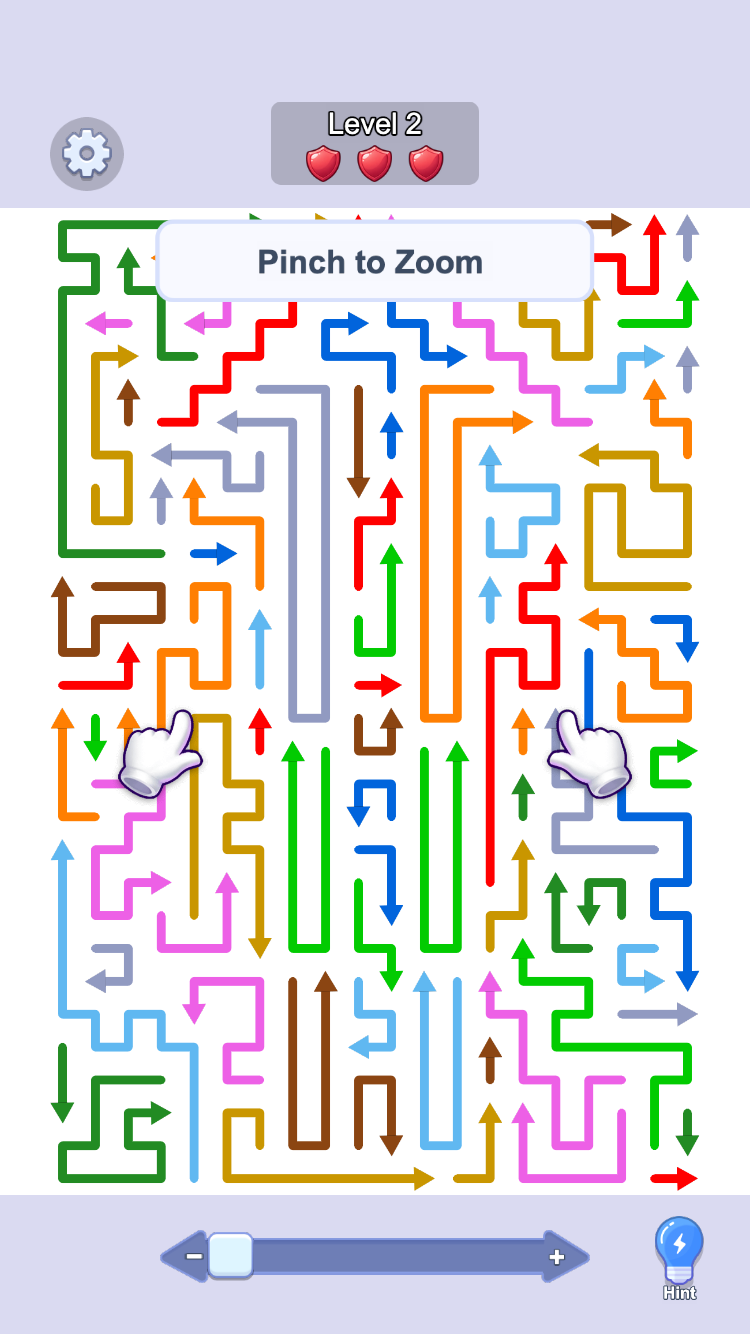
Level 2 expands from a sparse board into a close-up view with many more arrows. The same blocked-or-not rule applies, but zooming makes the spacing readable.
PromptPrompt · use the zoom control before judging paths that are too close to read.
Try it: Before revealing the explanation, should you make a quick guess on this crowded board, or zoom in and trace one arrow at a time?
Zooming does not solve the board for you; it makes close lines easier to see.
Pick one arrowhead after zooming and check whether another line blocks it. Decide CLEAR or BLOCKED before you move your attention to the next arrow.
Use a hint only after you have made that careful scan. The hint button is visible on the board, but it is not a substitute for checking the arrow first.
Crowded-board routine
ZOOM
READ ONE HEAD
CHECK AHEAD
DECIDE
SLOW DOWN When routes overlap visually, more scale is better than more guesses.
Fall Mode: a Tetris-like arrow rush
Fall Mode starts from the home screen, then presents a board whose arrows descend toward the red limit at the bottom. It creates Tetris-like pressure, but players clear safe arrow routes rather than arranging blocks. The frames show the full consequence of keeping up — or not keeping up.
Choose modeChoose mode · Fall Mode begins from the button on the lower left.
Try it: Before revealing the walkthrough, what should you watch after a safe arrow leaves in Fall Mode: only the arrowhead, or both the Remaining percentage and the red line?
Choose Fall Mode, then start checking individual arrows immediately; the board keeps moving while you decide.
After every safe clear, check both the Remaining percentage and the space above the red line. Those two signals tell you whether there is still room to scan carefully.
Clear the final arrow before the red line to reach 0% and win. If the line is reached first, the game pauses at the revive screen instead.
Tetris-like pressure · Arrow Puzzle route logic
FALL MODE
CLEAR UNBLOCKED ARROWS
KEEP ABOVE RED
0% = WIN
FALL MODE The pressure feels like Tetris, but the rule does not change: read the arrow, check whether another line blocks it, then clear it before the red line.
How the Skin collection works
The Skin menu contains a varied library of line styles, including bug, rope, pen, matchstick, seasonal, and classic-arrow looks. These frames compare the collection with two matching board previews, so players can see how a choice carries into play.
Open SkinOpen Skin · use the Skin button on the home screen to open the collection.
Try it: Before revealing the walkthrough, do bug, rope, pen, colour-arrow, and matchstick skins change the arrow’s direction, or only how the line looks?
Open Skin from the home screen and choose a card whose visual treatment is easy for you to read. The green Use button applies it, and the active style becomes In Use. The menu includes bug, rope, pen, matchstick, seasonal, and classic-arrow options.
Compare the two examples: the colour-arrow board uses simple coloured lines, while the matchstick board replaces arrowheads with match heads. The rest of the collection offers more visual personalities on the same rule set.
The puzzle rule stays the same in each style. Read the direction marker, check whether another line blocks that arrow, and decide whether it can leave safely.
Skin selection loop
OPEN SKIN
CHOOSE
PREVIEW ON BOARD
READ THE DIRECTION
SKINS Choose the style that makes each direction easiest for you to read; it changes the presentation, not the rule for deciding whether an arrow is blocked.
Good to know
Made for a quick run
Simple arrow rules, satisfying “aha” moments.
Play a single board or settle into a longer run.
Scales from phone screens to desktop monitors.
Try Fall Mode for a Tetris-like descending-board rush, or browse bug, rope, pen, and other arrow skins.
See the board
Inside Arrow Puzzle
Read each arrowheadZoom in and inspect one arrowClear every arrowBrowse the arrow skin collectionTry a cartoon arrow skin
Arrow Puzzle guide
Getting the most from Arrow Puzzle
This relaxing direction puzzle is made for players who enjoy pattern recognition and route planning. Read each arrowhead, choose an arrow that is not blocked, and keep moving until the board is clear. Multiple difficulty steps plus bug, rope, pen, matchstick, seasonal, and classic-arrow skins make it work as a short break or a longer puzzle session.
Playing on desktop
The game runs in a modern browser with click controls and a wide board that is easy to read. Desktop play is ideal for checking crowded boards and planning a few moves ahead — no account needed to start.
Playing on mobile
The same browser version works on phones and tablets with tap controls. The board scales to your screen, so you can pick up a puzzle on the go without switching to a separate app.
Levels, skins, and pacing
Standard levels reward calm route reading, while Fall Mode adds Tetris-like pressure: the board descends toward a red-line limit, but you clear arrow routes rather than arrange blocks. A wide skin library — bugs, ropes, pens, matchsticks, seasonal characters, and classic arrows — changes the look without changing the rules, and hints plus zoom help when a board feels crowded.
Questions
Game FAQ
What type of puzzle is this?
It is a direction-based clearing puzzle: read each arrowhead and tap an arrow only when another coloured line does not block it.
Is Arrow Puzzle free to play?
Yes. You can play in the browser without creating an account or installing anything.
Can I play on mobile?
Yes. Tap controls and a responsive board make it work on phones, tablets, and desktop browsers.
What is Fall Mode?
It is a Tetris-like descending-board challenge. The arrows move toward a red line, so you need to clear safe routes before they reach it; unlike Tetris, you are clearing arrows rather than arranging blocks.
How does Arrow Puzzle fit into Arrow Game?
It is one of the reviewed partner titles on Arrow Game and a direction-logic entry in the growing browser collection.
Ready for one more route?
The game is waiting at the top. Jump back in whenever you want a small, satisfying reset.