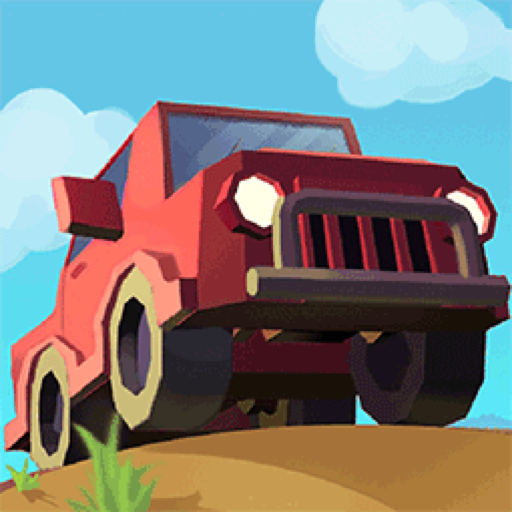
Super Crew is a landscape 3D driving game built around a yellow flatbed truck. Each stage sends the vehicle through streets, barriers, and collection targets, with up to three stars available on a run.
The game supports keyboard steering and on-screen touch controls. The truck has weight and takes practice to position, while later stages add new obstacles and goals. Progress can also unlock additional vehicles, including a forklift.
Landscape play is required
Super Crew is designed for a wide screen and displays a rotate-phone prompt when opened in portrait orientation.
01Choose a control method
02Follow the 3D route
03Collect stage stars
3D driving and collection
Drive the truck and collect the stars
Choose a control method. Use W and S to move, A and D to steer, or use the on-screen directional controls on touch devices.
Follow the 3D route. Guide the flatbed truck through the street while keeping clear of parked vehicles and barriers.
Collect stage stars. Drive through the marked goals and try to collect all three stars available in the level.
Adapt to later objectives. Continue into stages with different obstacle patterns, targets, and unlockable vehicles.
Good to know
Drive the truck, collect the stars
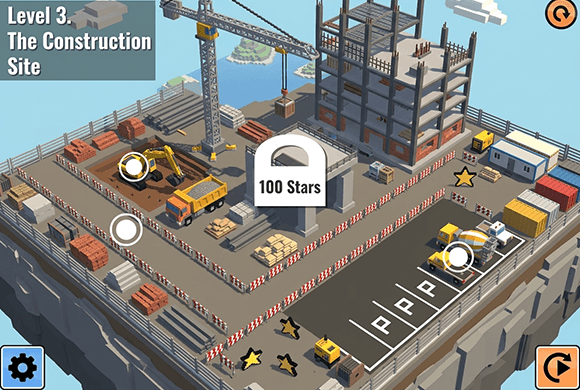
The opening screen is a level-selection area called The Suburbs.
Each stage offers up to three stars.
Keyboard W/S and A/D plus on-screen touch controls give two ways to drive.
The heavy steering takes practice, especially around tight obstacles.
Landscape orientation is required for the intended view.
See the routes
Inside Super Crew
Choose The Suburbs from the level mapDrive the flatbed toward each star targetUse touch controls and track the three-star goalTake on a new driving routeNavigate denser roadside obstacles
Super Crew guide
Line up early, steer in small corrections
Super Crew rewards measured steering more than quick corrections. Learn how much space the truck needs, line up early, and approach each collectible from a stable angle.
Use the control style that fits your screen
Keyboard controls give separate steering and throttle inputs on desktop, while the on-screen directional controls are available for touch play.
Make small steering corrections
The truck can feel heavy. Set up each turn early and avoid rapid left-right inputs that leave the vehicle poorly aligned.
Prioritize a clean route before all three stars
Learn the obstacle layout first, then replay with a better line when you want to collect every star in the stage.
Questions
Super Crew FAQ
What is the goal of Super Crew?
Drive through each 3D stage, complete its route objectives, and collect up to three stars.
Which controls does Super Crew support?
Use W and S to move and A and D to steer on a keyboard, or the on-screen directional controls on a touch device.
Why does the game ask me to rotate my phone?
Super Crew uses a landscape layout, so a phone needs to be held horizontally for the intended view.
Can a forklift be unlocked?
Yes. Progress can unlock additional vehicles, including a forklift.
Can I play Super Crew on a computer or phone?
Yes. Super Crew runs in the embedded browser player on this page. Use the keyboard on desktop or the on-screen controls on a phone held in landscape.
Ready for another star run?
Return to The Suburbs, line up the truck, and collect the next set of stars.